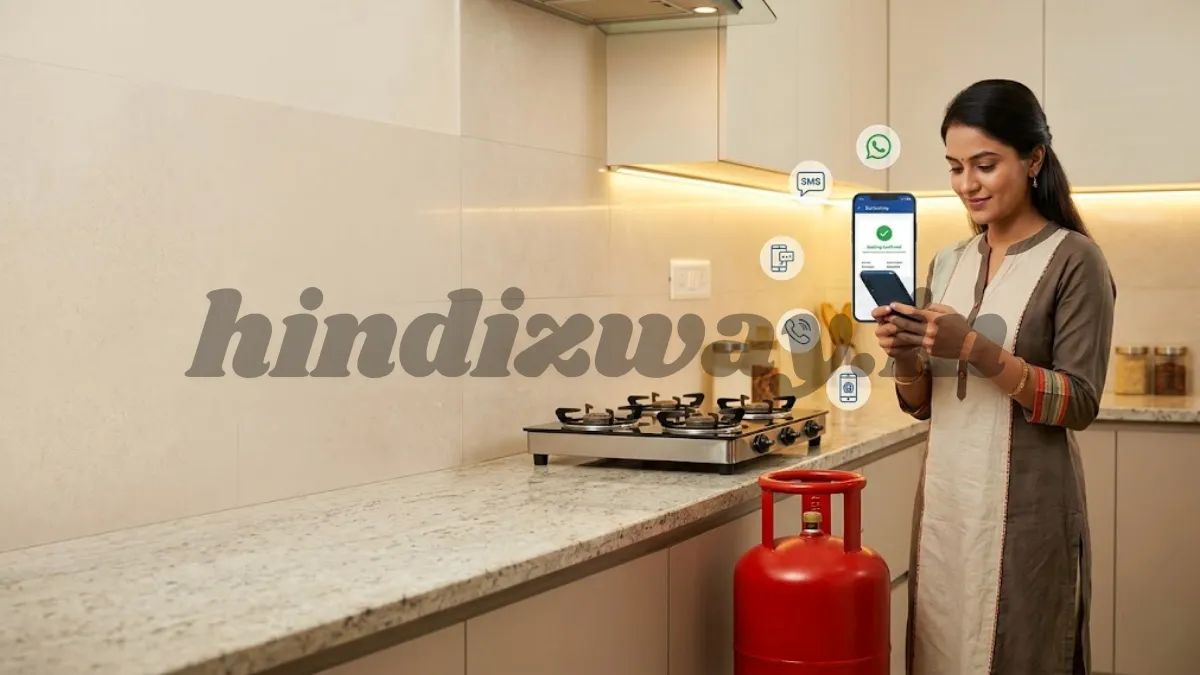
Learn how to book HP Gas cylinder online, through SMS, IVRS, WhatsApp, and mobile apps. This complete step-by-step guide explains every HP Gas booking method in India for faster LPG refill delivery.
Introduction
Liquefied Petroleum Gas (LPG) is one of the most essential household utilities in India. Millions of families rely on HP Gas cylinders for daily cooking and other domestic needs. Because LPG is so important in everyday life, the process of refilling or booking a cylinder must be simple, quick, and accessible.
Fortunately, HP Gas has introduced several convenient methods to book a cylinder refill. Whether you prefer booking online, through a mobile app, via SMS, using WhatsApp, or calling the IVRS system, HP Gas provides multiple options so customers can easily place an order anytime.
Understanding the different booking methods ensures that you never run out of cooking gas. This guide explains how to book HP Gas cylinder using every available method, including step-by-step instructions, tips for faster delivery, and answers to common customer questions.
By the end of this article, you will know exactly how to book your HP Gas cylinder in minutes without any confusion.
What Is HP Gas?
HP Gas is the LPG brand of Hindustan Petroleum Corporation Limited (HPCL). It supplies LPG cylinders to residential and commercial consumers across India.
HP Gas is widely trusted because of its:
- Safe LPG distribution network
- Easy booking services
- Digital booking options
- Quick delivery system
- Customer support services
Consumers registered with HP Gas can book a refill cylinder through several convenient platforms.
Different Methods to Book HP Gas Cylinder
HP Gas offers multiple booking methods so customers can choose whichever is easiest for them.
Popular HP Gas Booking Options
- Online booking through HP Gas website
- Booking via HP Gas mobile app
- Booking through SMS
- IVRS phone call booking
- WhatsApp booking
- Booking through distributor
Each method is simple and takes only a few minutes.
How to Book HP Gas Cylinder Online
Online booking is one of the most convenient methods because it allows customers to place orders anytime using a computer or smartphone.
Step-by-Step Process
- Visit the official HP Gas website
- Click on the LPG Services section
- Select Book Your Cylinder
- Log in using your registered mobile number or LPG ID
- Choose your consumer number
- Click Book Now
- Confirm the booking request
After booking, you will receive a confirmation message on your registered mobile number.
Benefits of Online Booking
- Available 24/7
- Instant booking confirmation
- Ability to track order status
- Secure payment options
How to Book HP Gas Cylinder Through Mobile App
HP Gas provides an official mobile application that allows customers to book LPG refills quickly.
Also read : How to Book Indane Gas Online, Offline & Through Mobile: The Complete 2026 Step-by-Step Guide
Steps to Book via Mobile App
- Download the HP Gas App from the app store
- Install and open the application
- Register with your mobile number and LPG consumer number
- Log in to your account
- Select Book Refill
- Confirm the booking
Once the request is submitted, the system will send you a confirmation notification.
Advantages of Using the HP Gas App
- Fast booking process
- Easy order tracking
- Online payment options
- Access to booking history
How to Book HP Gas Cylinder Through SMS
SMS booking is useful for customers who prefer a simple and quick method without using the internet.
Steps for SMS Booking
- Open your phone’s messaging app
- Type the refill booking message as instructed by HP Gas
- Send the message from your registered mobile number to the HP Gas SMS booking number
- Wait for confirmation from the system
After successful booking, you will receive a reply message confirming the order.
Important Notes
- SMS must be sent from the registered mobile number
- Your LPG consumer number must be linked with the phone
How to Book HP Gas Cylinder Through IVRS
IVRS (Interactive Voice Response System) is another simple way to book a refill cylinder using a phone call.
Steps for IVRS Booking
- Call the HP Gas IVRS booking number
- Select your preferred language
- Enter your consumer number when prompted
- Confirm the refill request
The automated system will process your booking immediately.
Why IVRS Booking Is Useful
- Works without internet
- Available 24 hours
- Simple automated system
How to Book HP Gas Cylinder Through WhatsApp
HP Gas has introduced WhatsApp booking to make LPG refill booking even more convenient.
Steps to Book Cylinder on WhatsApp
- Save the official HP Gas WhatsApp booking number
- Open WhatsApp and start a chat with the number
- Send the message REFILL or follow the instructions provided
- Confirm your booking
You will receive a confirmation message once the request is successfully placed.
Benefits of WhatsApp Booking
- Quick and easy method
- No need for login credentials
- Instant confirmation messages
Booking HP Gas Cylinder Through Distributor
Customers can also book their refill cylinder directly through their local HP Gas distributor.
Steps
- Visit or call your nearest distributor
- Provide your consumer number
- Request a refill booking
- Confirm delivery details
This method is useful for people who prefer traditional booking options.
Documents Required for HP Gas Cylinder Booking
Usually, no documents are required when booking a refill if you are already a registered consumer.
However, you should keep the following details ready:
- LPG Consumer Number
- Registered Mobile Number
- Distributor Details
These details help complete the booking quickly.
How to Check HP Gas Booking Status
After booking a refill cylinder, you can track the delivery status using several methods.
Methods to Track Booking Status
- HP Gas website
- HP Gas mobile app
- SMS confirmation message
- Customer support helpline
Tracking ensures you know exactly when your cylinder will be delivered.
HP Gas Cylinder Delivery Time
Delivery times may vary depending on location and distributor availability.
Typical Delivery Timeline
- Urban areas: 1–3 days
- Semi-urban areas: 2–4 days
- Rural areas: 3–5 days
Booking early helps avoid delays, especially during high-demand periods.
Tips for Faster HP Gas Cylinder Delivery
To ensure quick delivery, follow these simple tips.
Helpful Tips
- Always book before your cylinder becomes empty
- Keep your mobile number updated
- Use online booking methods for faster processing
- Track your booking regularly
- Ensure your address details are correct
These small steps can significantly improve delivery speed.
Safety Tips While Using LPG Cylinders
LPG cylinders are safe when used properly, but basic precautions should always be followed.
LPG Safety Guidelines
- Always keep the cylinder upright
- Ensure proper ventilation in the kitchen
- Check for gas leaks regularly
- Turn off the regulator after use
- Avoid placing cylinders near heat sources
Following these safety tips helps prevent accidents.
Common Problems While Booking HP Gas Cylinder
Sometimes customers face minor issues while booking their refill cylinder.
Common Issues
- Mobile number not registered
- Incorrect consumer number
- Network or server problems
- SMS booking errors
Most of these issues can be resolved by contacting HP Gas customer support.
Customer Support for HP Gas
If you experience problems during booking, you can contact HP Gas support.
Ways to Get Help
- Customer care helpline
- Local HP Gas distributor
- HP Gas website support section
- Mobile app help center
Customer service representatives can assist with booking, delivery, and technical issues.
Frequently Asked Questions (FAQs)
How can I book my HP Gas cylinder quickly?
The fastest methods are online booking, WhatsApp booking, or using the HP Gas mobile app.
Can I book HP Gas cylinder without internet?
Yes, you can book through SMS or IVRS phone call.
How long does HP Gas delivery take?
Most deliveries arrive within 1–3 days depending on location.
Is it necessary to register a mobile number?
Yes, a registered mobile number helps confirm bookings and receive updates.
Can I track my HP Gas booking?
Yes, you can track your booking through the website, mobile app, or SMS confirmation.
Conclusion
Booking an HP Gas cylinder has become extremely convenient thanks to digital services and multiple booking options. Customers can now place refill orders through the website, mobile app, SMS, IVRS calls, or even WhatsApp.
Each method is designed to make the booking process simple and accessible for everyone, regardless of technical experience. By understanding these options, you can choose the most convenient way to book your refill and ensure that your household never runs out of LPG.
Always remember to book your cylinder before it becomes empty, keep your registered details updated, and follow basic LPG safety practices.
With these simple steps, managing your HP Gas cylinder bookings becomes quick, safe, and hassle-free.